Samsung Galaxy S26 Ultra: Quiet Upgrades You Should Know First
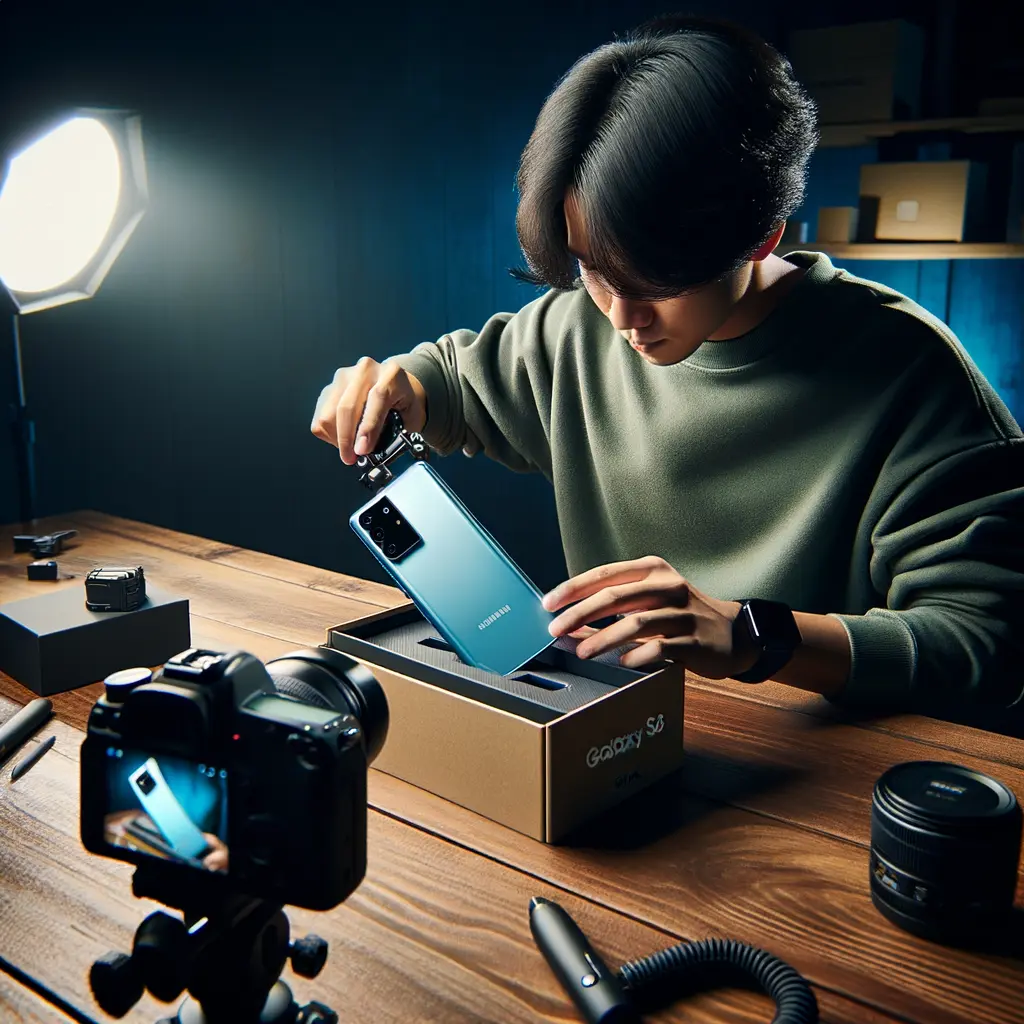
The Samsung Galaxy S26 Ultra arrives with the kind of low-key refinements that long-time Galaxy power-users relish. On paper, the spec sheet looks familiar, yet Samsung has quietly touched nearly every pain-point identified on the S25 generation. In total, seven notable updates headline this year’s flagship. The most immediately obvious is a fresh colour palette that introduces Sky Blue and Cobalt Violet, but under the glass the story gets even more interesting. A new Sony selfie sensor improves low-light selfies, the privacy display guards your screen from prying eyes, and an upgraded Galaxy AI suite debuts Now Nudge for real-time suggestions. Samsung has also baked Ask AI into Samsung Internet, putting a ChatGPT-style assistant one tap away. Each change, while subtle in isolation, adds up to a meaningfully refined user experience that keeps the Samsung Galaxy S26 Ultra at the top of the Android food chain. Throughout this deep dive you’ll see official demo clips—embedded after the third section—so you can judge every update for yourself. Whether you’re weighing an upgrade or simply curious about Samsung’s 2024 strategy, read on as we unpack exactly what’s new, what’s still missing, and how these tweaks compare with rivals like the Pixel 9 Pro and iPhone 16 Ultra.
Sony Selfie Sensor & Wider Field of View: A Subtle but Smart Camera Shift
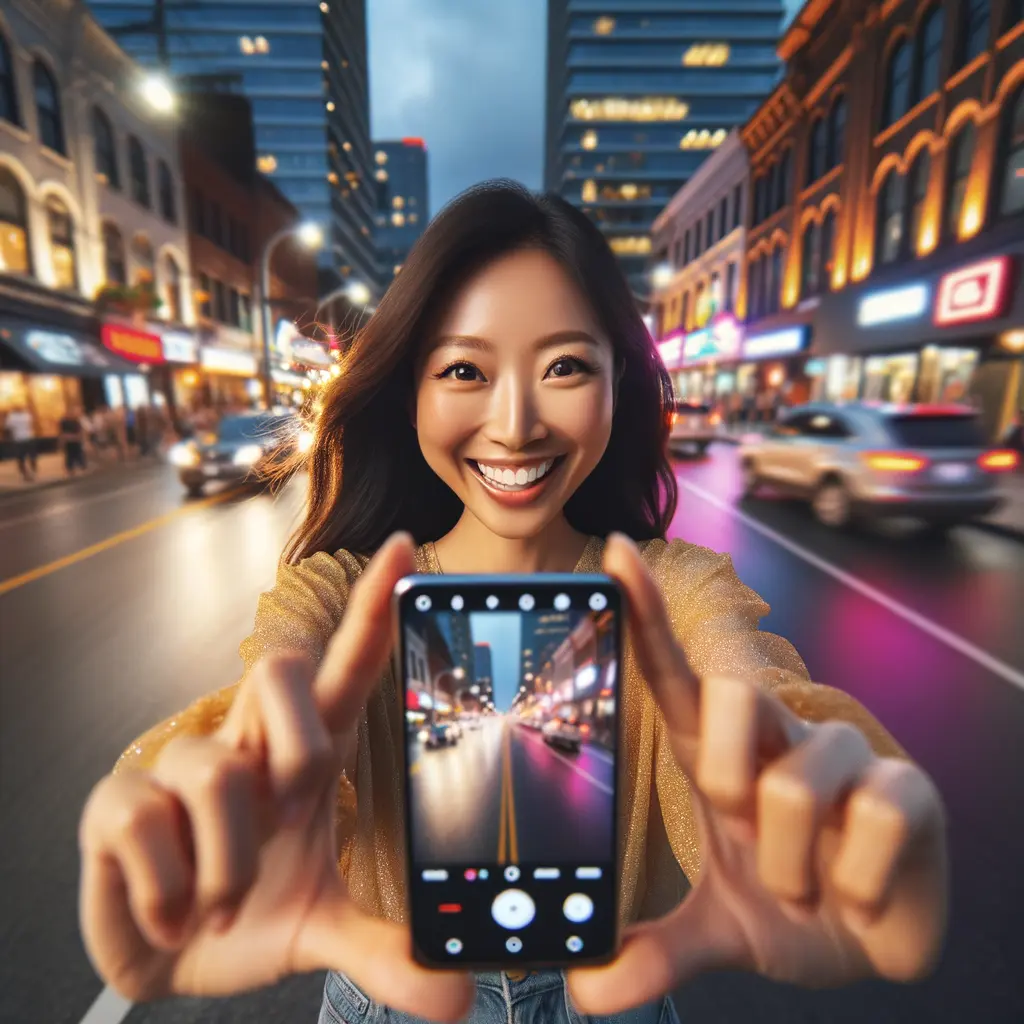
Samsung surprised industry watchers by replacing its in-house ISO selfie sensor with Sony hardware while keeping megapixel count and aperture identical. Why the switch? Sony’s Exmor series is renowned for stronger dynamic range and lower noise, two traits crucial for front-camera photos in dim restaurants or night-time city walks. In early sample shots, the Samsung Galaxy S26 Ultra captures more forehead-to-shoulder detail thanks to a noticeably wider field of view—great news for vloggers and group selfie fans. The cut-out on the display is fractionally larger, a necessary trade-off for the new optics. Real-world testing will reveal whether Samsung’s AI image pipeline—Scene Optimizer 3.0—fully squeezes every lumen out of that sensor, but expectations are high. Power users can still toggle natural or vibrant skin-tone profiles, and Dual Video mode is now available at 4K 60 fps on both front and rear cameras simultaneously. For those comparing specs, see our upcoming breakdown of Galaxy S26 camera versus S25 and Pixel 9 Pro to understand where each excels. Overall, this camera pivot reinforces the Samsung Galaxy S26 Ultra goal: iterative hardware paired with smarter software for shots that flatter without fuss.
Now Nudge & Ask AI: Samsung AI Features That Simplify Daily Tasks
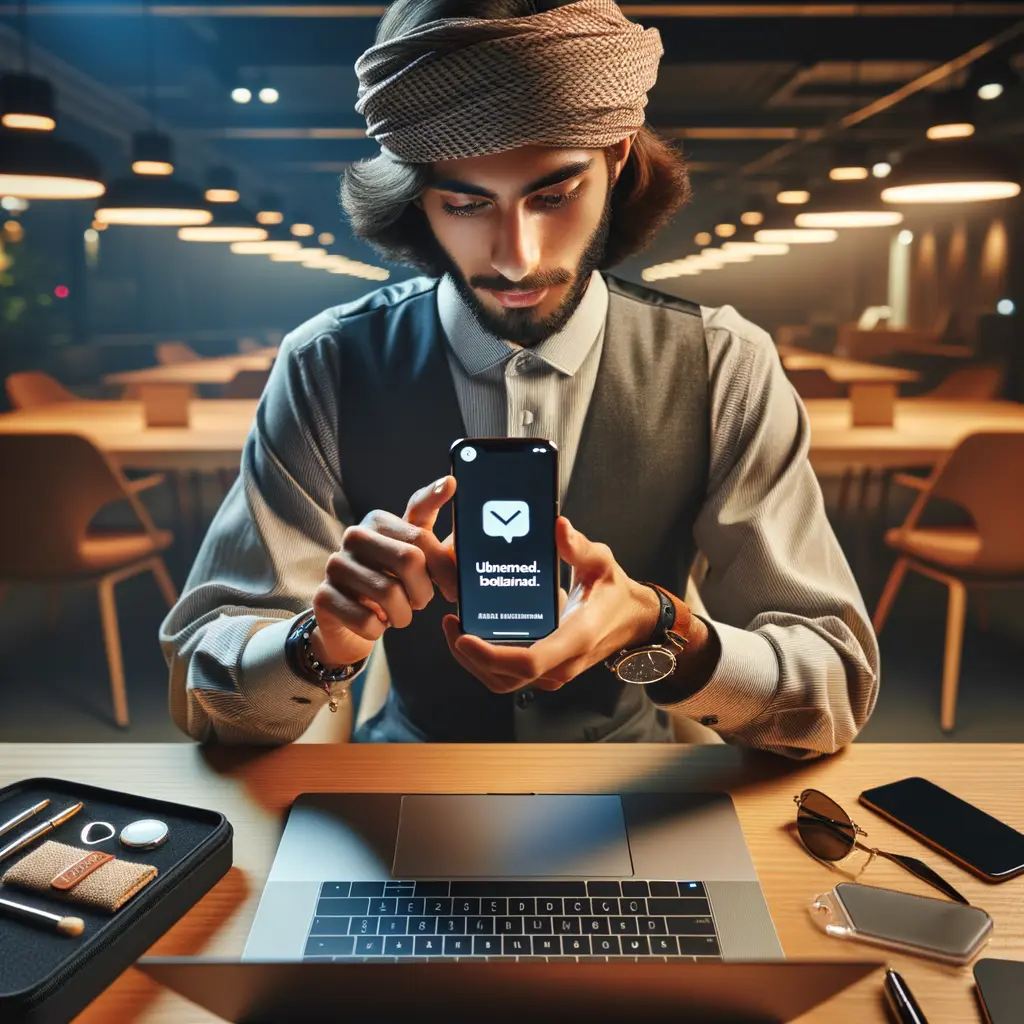
Artificial intelligence is the headline software story on the Samsung Galaxy S26 Ultra. Now Nudge sits at system level, constantly analysing on-screen context to surface one-tap actions. When a friend texts, “Are you free Friday at 6?” Now Nudge reads your calendar and offers precise availability suggestions. Filling online forms? It proposes your saved name, email, and shipping details, slashing checkout friction. Planning trips inside a group chat becomes easier because Now Nudge recognises dates, locations, and attachments, then bundles them into quick-reply cards.
Complementing that, Ask AI inside Samsung Internet leverages Perplexity’s language model. Browse a long research article, tap the glowing “Ask AI” button, and fire questions such as “Summarise the key specs of the Galaxy S26 camera.” The panel cites sources, keeps a session history, and respects privacy thanks to granular data-retention controls (session-only up to six months).
These Samsung AI features arrive just months after Google’s Gemini integration on Pixel, signalling a healthy arms race. For context, check our guide to Samsung AI features across the entire Galaxy ecosystem. Together, Now Nudge and Ask AI make the Samsung Galaxy S26 Ultra feel more proactive, trimming precious seconds off routine tasks—an upgrade that matters even more than raw silicon gains.
Galaxy S26 Privacy Display: Keep Sensitive Data for Your Eyes Only
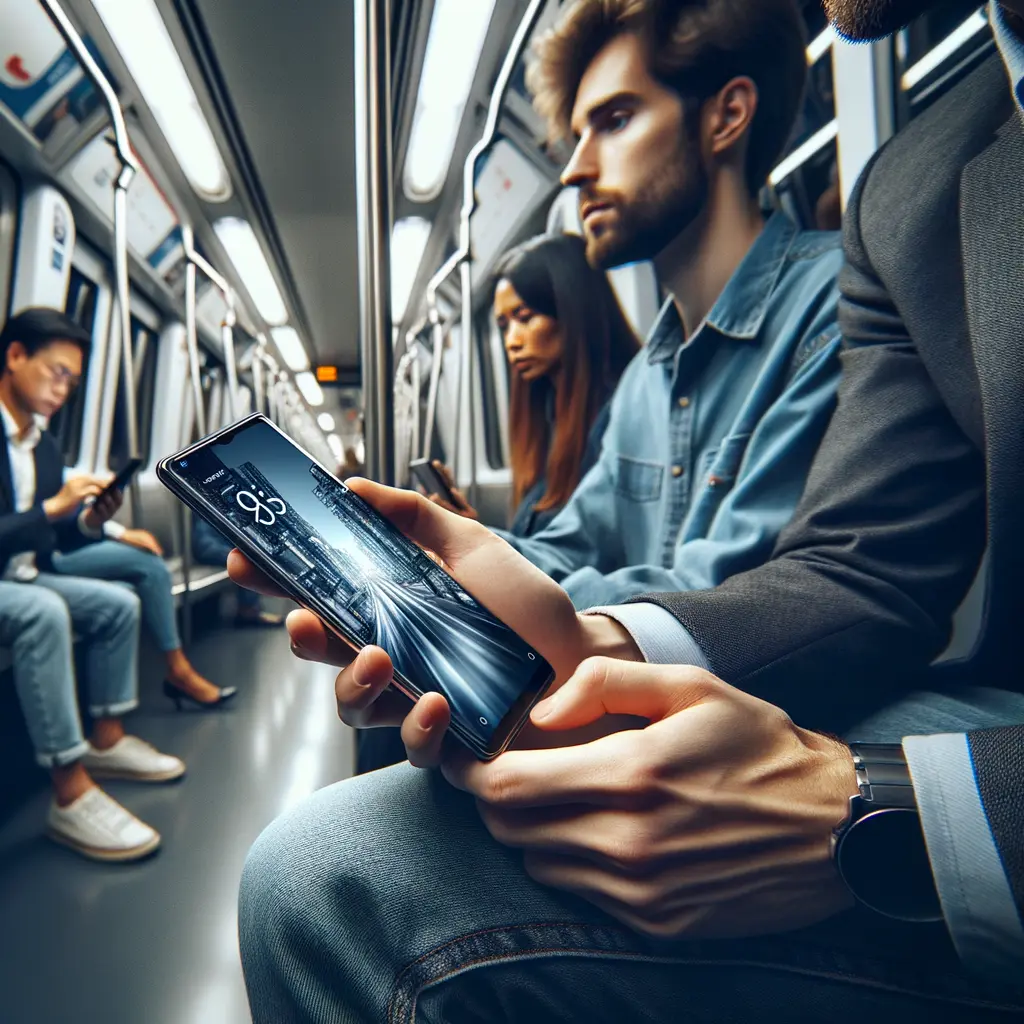
Crowded trains, flights, and cafés can turn even a quick email into a privacy nightmare. Samsung’s new Galaxy S26 privacy display aims to solve that. Activated via the quick-settings shade, the feature narrows viewing angles at the hardware layer and lets One UI 7 selectively dim chosen screen regions. In Samsung’s official demo, a commuter toggles the setting and adjacent passengers suddenly see nothing but a dark haze, while she continues typing normally. Unlike software overlays that grey out the entire screen, the Samsung Galaxy S26 Ultra can protect specific app windows—say, password fields—while leaving media playback untouched. Early reports suggest the Ultra model’s OLED panel integrates high-precision micro-louvre technology, similar to 3M’s commercial privacy filters but laminated within the display stack. Whether the same tech migrates to the S26+ or vanilla S26 remains to be seen.
Corporate users handling confidential spreadsheets, doctors referencing patient charts, or journalists previewing embargoed material all stand to benefit. For broader security tips, explore our article on securing your Galaxy with Knox and passkeys. By turning privacy into a hardware feature rather than yet another permission dialogue, the Samsung Galaxy S26 Ultra strengthens its case as the ultimate mobile workstation.
Refined Design & Colour Palette: From Cobalt Violet to Sky Blue
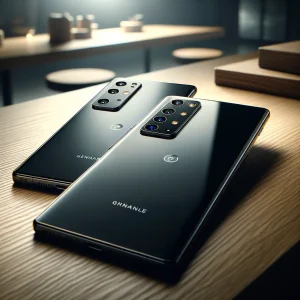
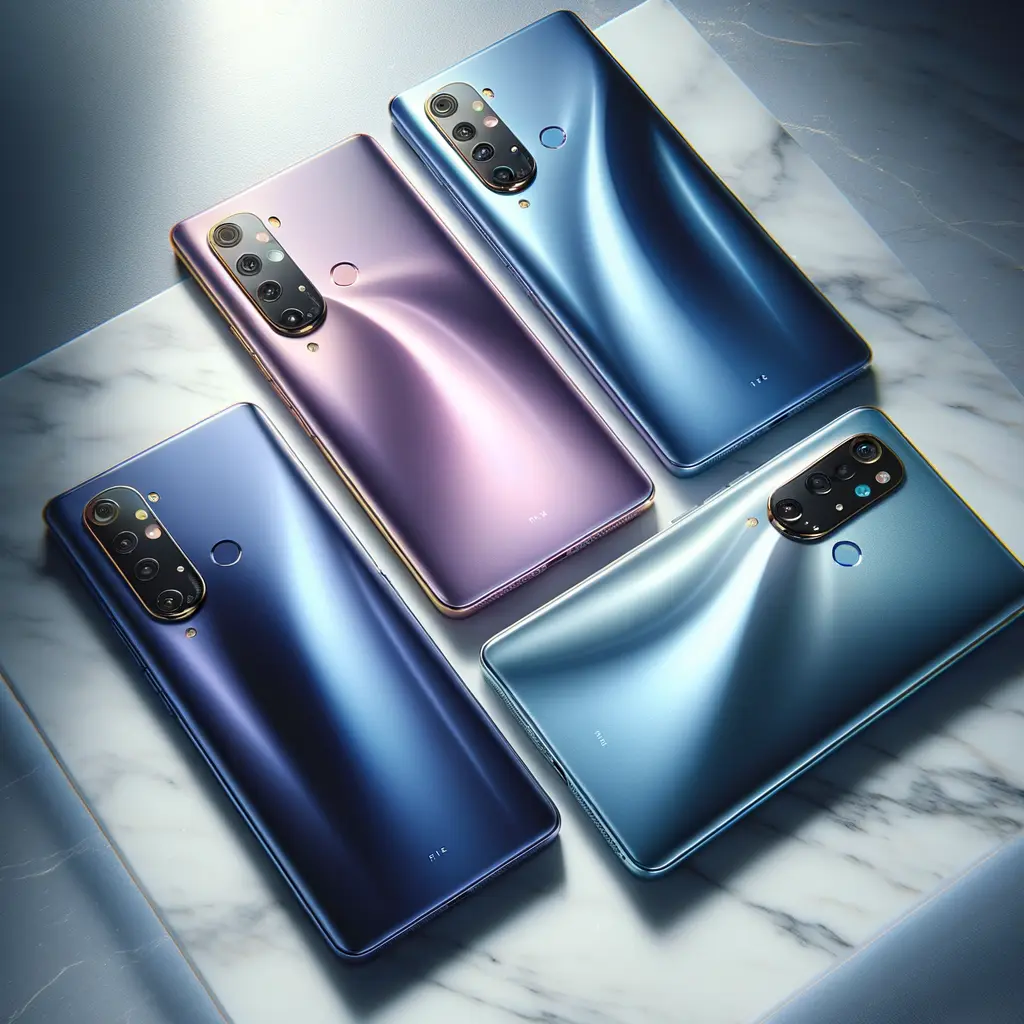
Design may be subjective, but consensus after the first hands-on sessions is clear: the Samsung Galaxy S26 Ultra nails polish over novelty. The squared-off silhouette, Armour Aluminum 3 frame, and Gorilla Glass Victus 3 remain, yet subtle tweaks improve ergonomics. Corners are 0.3 mm softer, the S Pen silo uses a new dual-spring latch that feels snappier, and the individual camera rings sit flush for easier cleaning. Samsung’s choice to unify colours across S26, S26 Plus, and Ultra models simplifies shopping. The hero Cobalt Violet brings back Note 9 nostalgia, while Sky Blue echoes the beloved Note 7 Azure—only lighter. Online exclusives Pink Gold and Silver Shadow will tempt those who skipped last year’s Lime Green limited run.
Finish quality also steps up: matte glass now diffuses fingerprints better, and the colour-matched aluminium rails create a monochrome profile reminiscent of high-end DSLRs. If you’re torn between hues, our colour comparison gallery showcases each shade under daylight and warm indoor bulbs. With sustainability in mind, Samsung raises recycled material content to 24 %, including the speaker module and key brackets. Little details, big difference—the philosophy that defines the Samsung Galaxy S26 Ultra hardware story.
S26 Ultra Release Date, Pricing Expectations & Final Thoughts
Samsung will formally unveil the Galaxy S26 family at Galaxy Unpacked on 23 February, with pre-orders opening the same day and global shelves stocked by 8 March, according to carrier leaks. Early-bird customers are tipped to receive double-storage upgrades and Galaxy Buds3 Pro bundles. US pricing is expected to mirror last year—$1,199 for the 256 GB Samsung Galaxy S26 Ultra—thanks to component cost optimisation and rising trade-in values. Keep an eye on Samsung’s website for instant credit offers that outshine most retailer deals.
Summing up, the Samsung Galaxy S26 Ultra may look familiar, yet beneath the surface it delivers seven meaningful improvements: a Sony-powered selfie camera, wider front-lens field of view, Now Nudge AI, Ask AI in the browser, hardware-level privacy display, refined design, and a fresh colour palette. Together they reinforce Samsung’s premium DNA while addressing user requests logged since the S23 era. If you value a balanced flagship that marries hardware heft with software smarts, the Samsung Galaxy S26 Ultra remains tough to beat in 2024. For potential switchers, read our forthcoming S26 Ultra vs iPhone 16 Ultra battery showdown and our longevity review exploring One UI update promises through Android 21.