
Pixel December 2025 Update Overview
The Pixel December 2025 update arrives as Google’s final software push of the year, and it is a sizeable one. Officially tagged as the “Pixel December 2025 update,” this over-the-air (OTA) package lands on every supported handset from Pixel 6 through Pixel 10—including the Fold and A-series models. As usual, the bulletin blends two strands of improvements: monthly security patches that harden Android against fresh exploits, and a sweeping collection of bug fixes that smooth rough edges users have reported since the last release.
Why does this drop matter? First, the December cycle traditionally contains Google’s winter Feature Drop, so new functionality piggybacks alongside the core patch. Second, the company tends to close out the calendar year by squashing long-standing annoyances that slipped through earlier builds. This time around, memory-management optimisations, battery-icon glitches, camera stability, and Wi-Fi reliability all make the changelog.
For anyone who depends on their Pixel day-to-day, applying the Pixel December 2025 update is the simplest route to a faster, safer, and more dependable phone. We will walk through every fix in detail, highlight regional build numbers, and share download tips so you can update without headaches. Keep this guide bookmarked for reference and check our post on the November Feature Drop to see how Google’s end-of-year software roadmap has evolved.
Build Numbers, Eligible Devices, and Download Tips
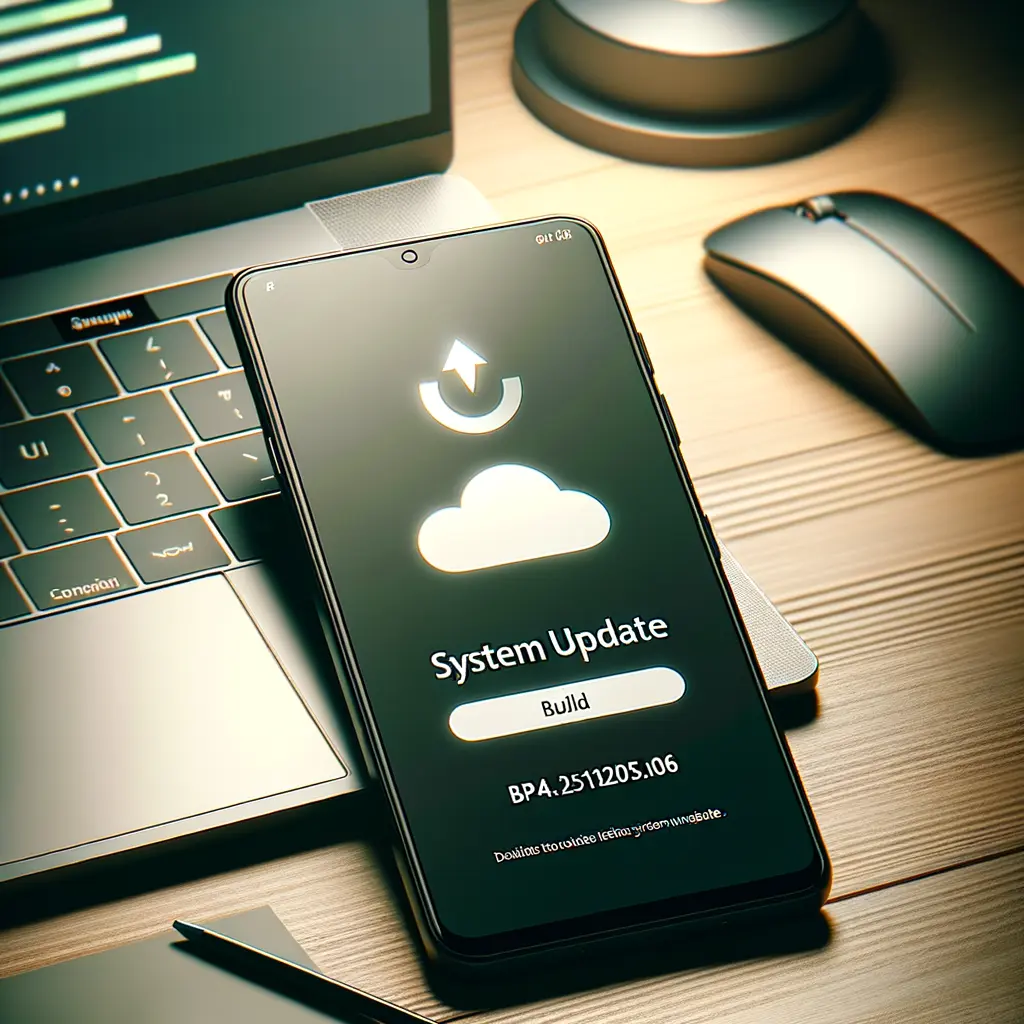
Before diving into individual fixes, confirm you are on the correct build. For most territories the update string reads BP4A.251205.006; European Economic Area models show an A1 suffix, while Verizon-locked Pixel 9A units end in B1. To check your build, open Settings > About phone > Android version and compare the last six digits. If you have not yet received the prompt, manually trigger it via Settings > System > System update.
All devices from Pixel 6 to Pixel 10, plus Pixel Fold and the value-focused Pixel 9A and Pixel 8A, are eligible. Google’s rollout is staged, but sideloading the factory or OTA image is an option for power users comfortable with ADB. (See our guide on how to sideload Pixel OTA images for step-by-step instructions.)
Before installing the Google Pixel December patch backup priority data to Google One or a local drive, verify you have at least 50 % battery, and connect to stable Wi-Fi to avoid data charges. If you are part of the Android Beta Program, opt out to receive the stable Pixel December 2025 update without wiping your phone.
Finally, remember that security updates stack; skipping several months can lengthen installation time. Patience will pay off with a fully patched handset ready for the upcoming Android feature drop December 2025 additions rolling out over the next few weeks.

System Performance and Battery Longevity Fixes
Google’s engineering team devoted considerable attention to memory management this cycle. Several apps left splash screens resident in RAM, eventually starving the system of resources and causing freezes. The Pixel December 2025 update patches that leak, reclaiming memory and sharpening overall responsiveness. Early testers report smoother app switching on Pixel 6 and Pixel 7 models—handsets that previously struggled under heavy multitasking.
Battery health likewise benefits. Users saw a mysterious “?” or blank icon in the status bar, and the popular 80 % charging cap occasionally failed to engage. Both issues are resolved, ensuring that the Pixel battery fix many demanded actually sticks. Google also tweaked Wi-Fi power profiles on Pixel 8 Pro and Pixel 8A, reducing idle drain during weak-signal conditions. Though the release notes single out those devices, anecdotal evidence suggests subtle endurance gains on the broader lineup.
If you routinely top up overnight, enabling Adaptive Charging alongside the freshly reliable 80 % limit can prolong cell longevity. For deeper insight, consult our explainer on Pixel battery calibration—a helpful companion read. All told, the Pixel December 2025 update should translate into fewer midday charges and a cooler handset during CPU-intensive tasks like gaming or video capture.
Connectivity: Wi-Fi, Network, and Bluetooth Improvements
Connectivity hiccups can sour an otherwise excellent smartphone experience, so Google attacked several pain points. First, intermittent Wi-Fi dropouts—especially the bug that forced users to re-enter passwords on familiar 5 GHz networks—should be gone. Although only the Pixel 8 Pro and 8A are explicitly named, owners of Pixel 10 units who previously had to forget and re-add networks report success after installing the Google Pixel December patch.
Cellular reliability also improves. Pixel 6/6 Pro/6A users faced sporadic failures when placing emergency calls; those life-critical scenarios now route correctly. Across the board, the update enhances network hand-off for 5G and LTE and polishes VoLTE stability, potentially boosting call clarity on carriers like T-Mobile, EE, and Telstra.
On the short-range front, Bluetooth pairing logic has been hardened. The phone should no longer refuse connections with certain earbuds, smartwatches, or in-car infotainment systems—a welcome fix if your Pixel Watch drops audio during workouts. If problems persist, reset Bluetooth settings then pair afresh to benefit from the new stack.
These changes, combined with the memory optimisations mentioned earlier, mean data sessions are less likely to stall while streaming music, casting via Nest Hub, or syncing photos to Google Photos—perfect prep for the Android feature drop December 2025 enhancements that rely on rock-solid connectivity.

Display, UI, and Camera Enhancements Explained
Pixels have long been praised for fluid animations, yet nagging UI glitches crept into recent builds. The Pixel December 2025 update addresses them decisively. Swipe-up gestures now consistently open overview, keyboard flicker in the app drawer is gone, and notification shade elements no longer overlap after unlocking. Always-on display responsiveness also sees a boost; tapping or lifting the handset wakes it instantly.
Display hardware quirks earn fixes too. Pixel 10 panels prone to brief black flashes or stuck dim brightness should behave normally, and Pixel Fold owners plagued by inner-screen flicker when launching games—Genshin Impact was a prime offender—can finally play uninterrupted.
The camera stack receives silent improvements that Google labels “general stability.” In practice, users note faster shutter response on the Pixel 9 Pro and more reliable HDR processing on the Fold. If you shoot night scenes, expect fewer processing hangs. These camera tweaks dovetail with the separate Pixel camera update delivered through the Play Store, so ensure both system and Camera App are current.
Audio isn’t left out: sporadic crashes when switching from speakers to Bluetooth earbuds have been patched, and volume steps feel smoother. Together, these refinements push the Pixel experience closer to the polished feel Google markets—and they set the stage for computational photography additions teased for upcoming feature drops.

How to Install the Pixel December 2025 Update & Final Thoughts
Ready to install? Navigate to Settings > System > System update and tap ‘Download and install.’ The package weighs between 250 MB and 1.4 GB depending on device and skipped patches. Connect to Wi-Fi, keep the handset above 50 % battery, and expect a five- to fifteen-minute downtime period. When the phone reboots, revisit Settings to confirm the build string matches BP4A.251205.006 (or regional variant).
If the OTA has not reached your handset, you may sideload manually. Grab the correct image from Google’s developer portal, enable USB debugging, and use ‘adb sideload ota.zip.’ Our tutorial on unlocking the Pixel bootloader covers the prerequisites in more depth.
After installation, clear the Play Store cache to nudge app updates, and open the Camera app once so its post-update libraries can optimise. Test Wi-Fi, Bluetooth, fingerprint unlock, and a quick Night Sight photo to verify the headline fixes.
The Pixel December 2025 update caps a banner year for Google’s smartphone line, delivering security patches, performance boosts, and the much-requested Pixel battery fix. Combined with the Android feature drop December 2025 already rolling out, Pixel owners are well positioned for a smooth start to the new year. Drop by our roundup of Pixel tips and tricks to make the most of your freshly updated device, and stay tuned for January’s bulletin where we’ll track any lingering issues.