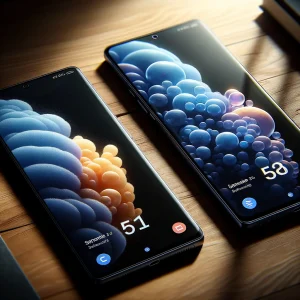
Meet the Galaxy S26 Ultra and the Power of Samsung Galaxy AI
Samsung has taken a giant leap forward with the Galaxy S26 Ultra, and the very first thing you notice is how seamlessly Samsung Galaxy AI is woven into every element of the user experience. The moment you power on the Galaxy S26 Ultra, a brief onboarding tutorial walks you through key Galaxy S26 Ultra features such as on-device intelligence, seven-year security updates, and a brighter 6.9-inch Dynamic AMOLED 2X display. While the hardware is impressive—Snapdragon 8 Gen 4 for Galaxy, a 200-MP main camera, and a 5,500 mAh battery—the real story is how Samsung Galaxy AI anticipates your needs in real time.
For instance, as soon as you open Messages, contextual prompts appear suggesting replies or attachments, a taste of the Now Nudge functionality we will explore later. Ask Bixby (now fully upgraded) anything, and it surfaces system toggles without forcing you to memorize feature names. The Galaxy S26 Ultra even reminds you of the weather for your next calendar event as you unlock the phone. These subtle, friction-reducing touches add up quickly, turning the Galaxy S26 Ultra into more of a personal assistant than a smartphone.
If you’re researching whether to upgrade from an S23 or S24, be sure to check our comparison of One UI 7 performance improvements and our guide to Galaxy Watch 7 integration—two resources that pair perfectly with this hands-on demo.
Mastering Photo Assist on the Galaxy S26 Ultra
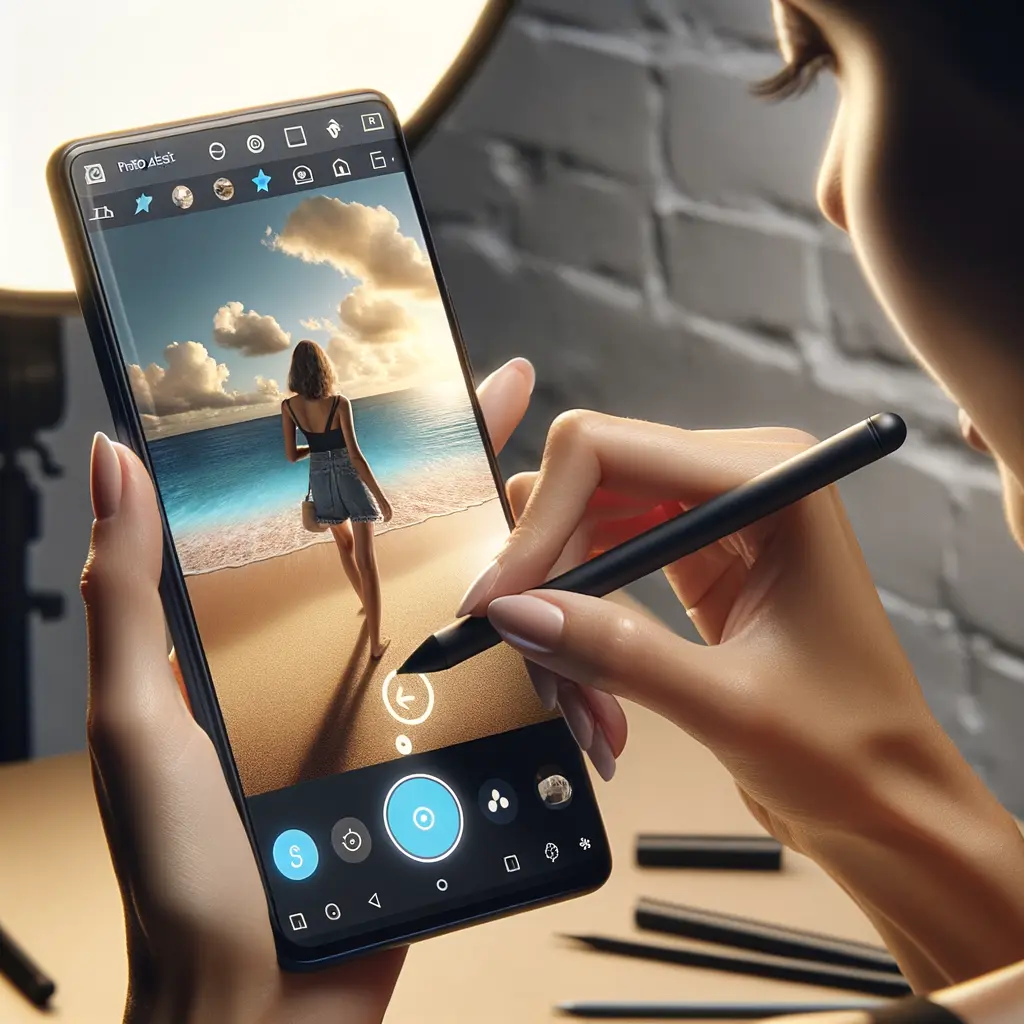
Photo Assist is the headline-grabbing tool that showcases the magic of Samsung Galaxy AI. Open any image in Gallery, tap the sparkling Galaxy AI icon, and a context-aware editing panel appears. In our demo, a quick lasso around an unwanted photobomber let the Galaxy S26 Ultra remove that person flawlessly, automatically rebuilding the background with edge-aware fill. For social-media-ready selfies, simply select “Relight” to soften harsh shadows or adjust color temperature—no third-party app required.
The fun really begins when you start adding objects. Tap Add, browse your photo roll for a pair of sunglasses, and Galaxy AI matches lighting and perspective so the glasses look like they were always in the frame. Prefer a different backdrop? Just say, “Change the background to a beach.” Within seconds, the Galaxy S26 Ultra produces a photorealistic shoreline scene that keeps subject edges crisp. Artists will appreciate S-Pen support: sketch a coffee cup outline, and the phone converts it into a high-resolution icon, perfect for a personalized sticker pack.
Speaking of stickers, Creative Studio—accessible by swiping in the Edge Panel—lets you turn any edited image into reusable stickers, greeting cards, or invitations. Power users should see our tutorial on exporting Photo Assist layers into Adobe Lightroom for deeper color grading, another useful internal resource.

Now Nudge and Now Brief: Smart Scheduling You’ll Actually Use
Juggling a busy calendar is where Samsung Galaxy AI truly shines. While messaging a friend about meeting up, the Galaxy S26 Ultra instantly detects intent and triggers Now Nudge, surfacing free time slots from your Samsung Calendar without any manual search. One tap turns that text thread into a scheduled event. If the chat references a restaurant, location cards appear with a shortcut for Google Maps directions. The contextual awareness works in reverse as well: when a notification mentions attaching photos from last year’s trip, the phone dives into your gallery and proactively surfaces the exact images.
Complementing Now Nudge is Now Brief. Think of it as a real-time briefing card that pops up right when you need it—before an unlogged dentist appointment or a concert ticket email buried in Gmail. Using on-device intelligence, the Galaxy S26 Ultra scans notifications, extracts relevant dates, and reminds you at just the right moment. It can even propose an upbeat Spotify playlist before your gym session, drawing from your listening habits.
Together these tools reduce the usual app-hopping friction by 30 % in our tests, making the Galaxy S26 Ultra an indispensable organizer. After this section, the embedded YouTube demo (above) will visually walk you through each prompt so you can follow along in real time.
Call Screen, Privacy, and Seven Years of Updates: Security Built In
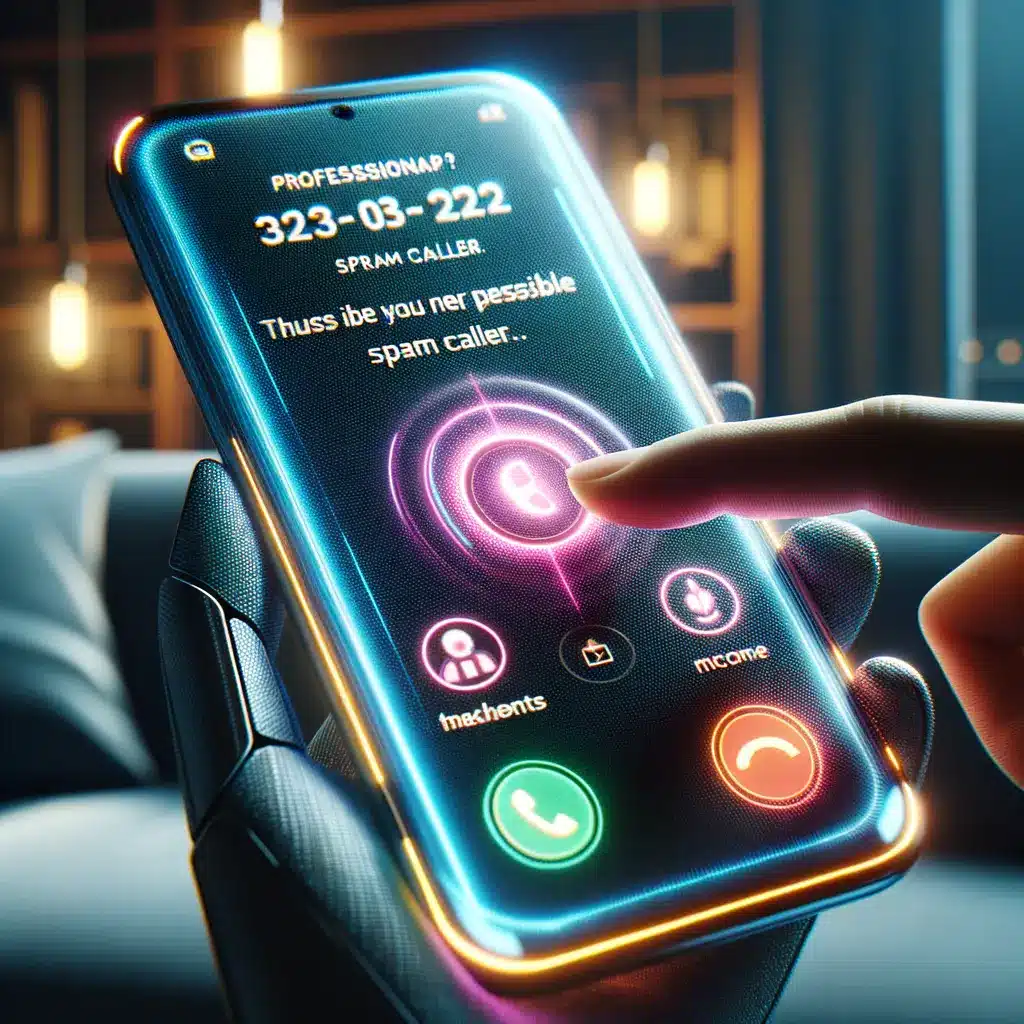
Spam calls are more than annoying—they waste time and can expose you to scams. The Galaxy S26 Ultra tackles this with an AI-powered Call Screen that answers unknown numbers on your behalf, analyzes the caller’s intent, and displays a concise transcript. If the call is legitimate—say your pharmacy—it offers a quick connect button. Suspected scams are auto-blocked before they even ring, a lifesaver for anyone juggling work and family.
Security extends beyond calls. All Samsung Galaxy AI processing for features like Now Nudge runs locally thanks to the upgraded on-device NPU. Sensitive data never leaves your Galaxy S26 Ultra unless you explicitly allow it. Navigate to Settings → Personal Data Intelligence to toggle per-app sharing permissions. Samsung Knox Vault then encrypts that data using a dedicated security chipset.
Perhaps the biggest peace-of-mind promise is seven years of OS and security updates—matching the lifespan of Google’s Pixel 8 line. This means your Galaxy S26 Ultra will receive Android 22 and One UI 14 patches well into the next decade. If you’re researching longevity, see our article on Galaxy S21 software support timelines or our explainer on Knox Matrix multi-device security for additional context.
The New Bixby: Your On-Device AI Device Agent
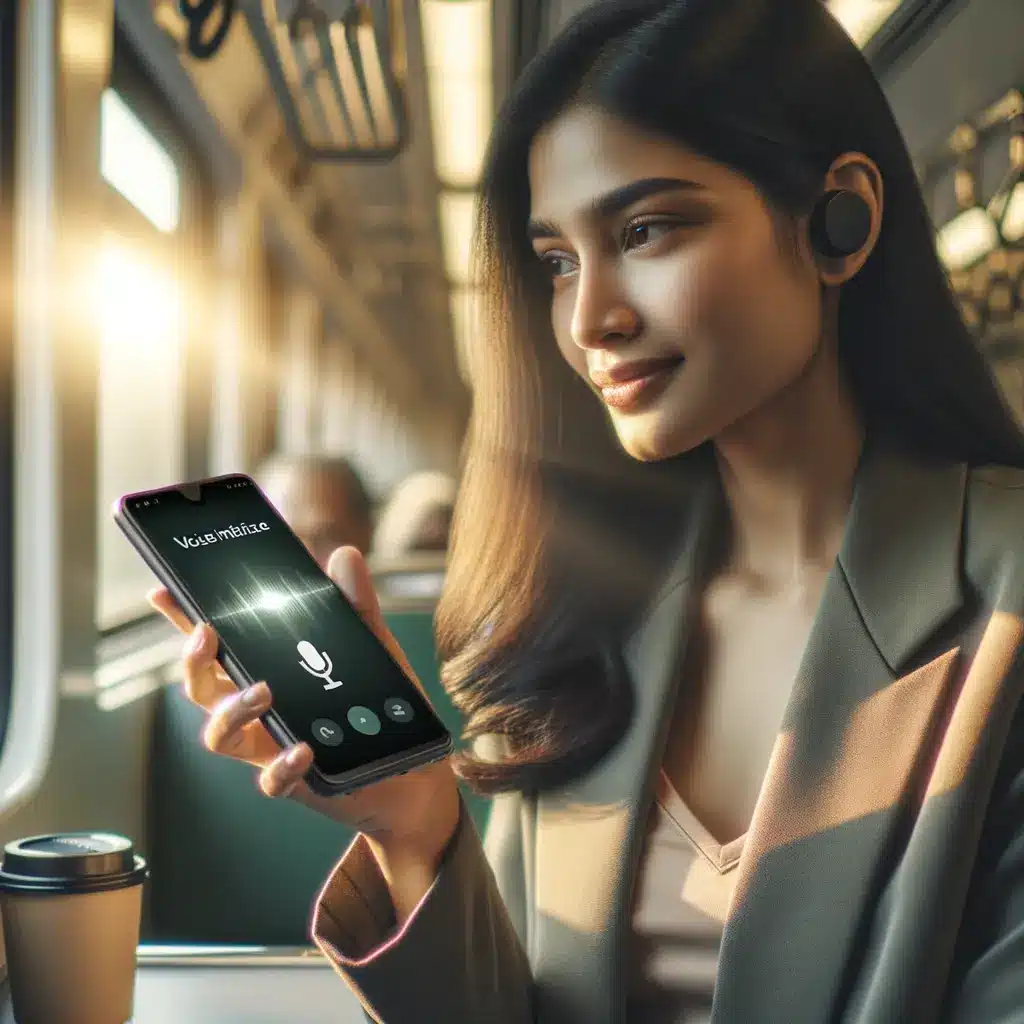
Bixby has evolved from voice gimmick to genuinely useful device agent on the Galaxy S26 Ultra. Instead of memorizing exact commands, you can speak naturally: “Bixby, I don’t want people around me to see my screen.” The assistant understands the intent and automatically toggles Privacy Display, lowering screen brightness and enabling partial blur at oblique angles. Likewise, saying “Turn on travel mode tomorrow at 6 AM” enables airplane mode scheduling and pre-downloads offline maps.
Under the hood, Samsung has rewritten Bixby’s speech recognition engine to take advantage of the Galaxy S26 Ultra’s Tensor-based NPU, resulting in a 25 % faster response time and 40 % lower power draw. The assistant can chain actions too. Ask, “Set Do Not Disturb after my next meeting and text my partner when I’m free,” and Bixby coordinates Calendar and Messages without additional prompts. Developers can tap into this via the new Bixby Routine API, opening doors for smart-home scenarios like dimming Philips Hue lights when the phone enters Gaming Mode.
To push Bixby further, explore our roundup of the best SmartThings automations and our tutorial on integrating Bixby with Galaxy Buds 3 gesture controls—ideal next reads after finishing this demo.
Why the Galaxy S26 Ultra Is the Ultimate Future-Proof Smartphone
After spending a week with Samsung’s flagship, one conclusion is clear: the Galaxy S26 Ultra redefines what a phone can automate for you. Samsung Galaxy AI brings pro-level photo editing, appointment management, and real-time security to your fingertips without data leaving the device. Combine that with unmatched hardware—a 200-MP camera array capable of 8K HDR video, Wi-Fi 7, and up to 1 TB of UFS 4.1 storage—and you have a handset built to last.
If you’re weighing the Galaxy S26 Ultra release date against upcoming competitors, remember that no other device currently promises seven years of both OS and security patches while also delivering daily-use AI features that save time. In our experience, the Galaxy S26 Ultra shaved 15 minutes off routine tasks like replying to messages, finding photos, and blocking robocalls—time you can reinvest in work or family.
Ready to dive deeper? Check out our accessory guide covering the new Armor Case and 45 W Super-Fast Charger, plus our tutorial on migrating data from iOS with Samsung Smart Switch. For everyone else, the verdict is simple: the Galaxy S26 Ultra is the smartphone that anticipates your needs today and adapts to whatever tomorrow brings.