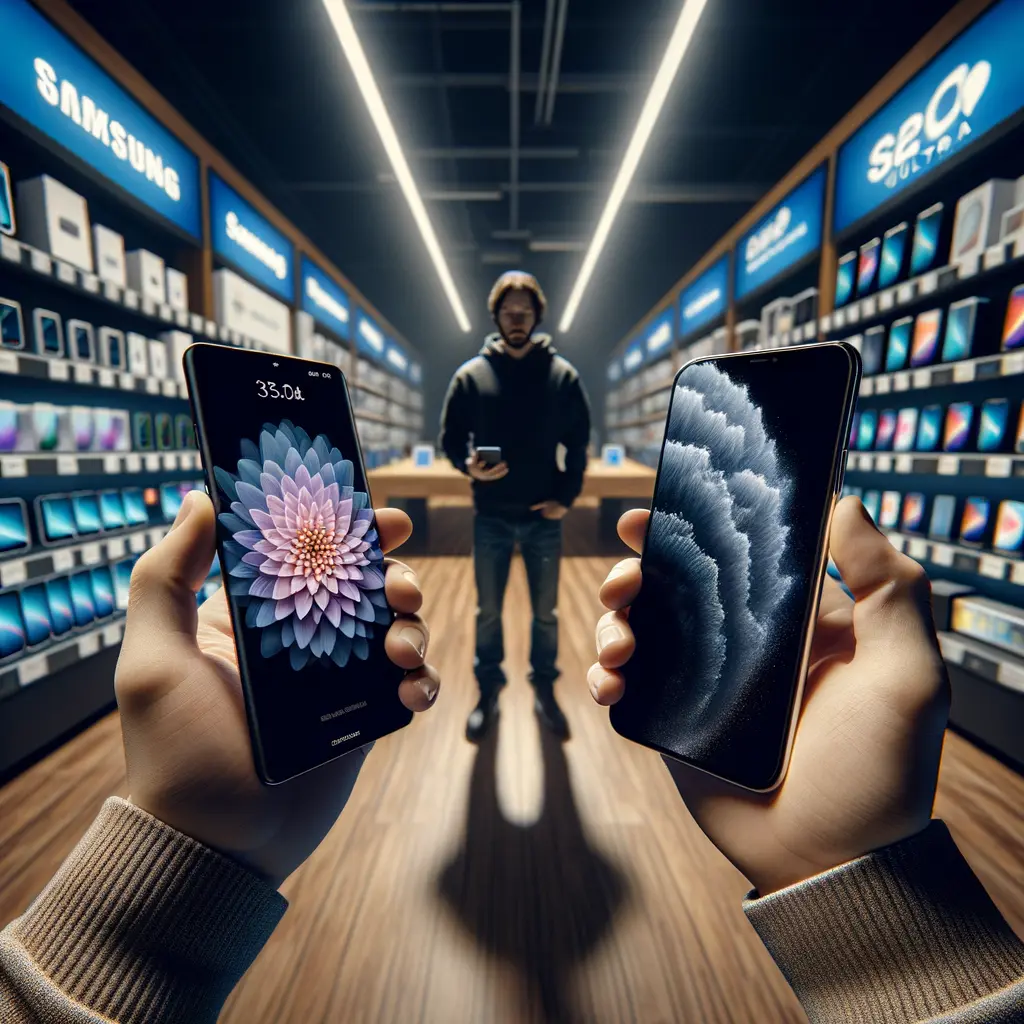
Why the Galaxy S26 Ultra Display Problem Matters in 2026
The Galaxy S26 Ultra display problem is already the hottest talking point of the 2026 phone cycle—and for good reason. Samsung’s $1,300 flagship introduces the world’s first built-in privacy display, yet early adopters are discovering that the trade-offs can’t be ignored. When you toggle privacy mode, the screen becomes invisible to people beside you, but even in standard mode those directional sub-pixels soften sharpness, reduce brightness off-axis, and leave some users complaining of eye strain. Meanwhile, Apple’s iPhone 17 Pro Max ships with a conventional 10-bit OLED that delivers 3,000-nit HDR without any drama. For professionals who edit photos on-the-go, binge HDR movies, or simply want crisp text in bright sunlight, the difference is immediate. In this article we turn the full transcript of our in-depth video review into a written guide so you can scan specs, pros, cons and real-world impressions before dropping four figures. Expect hard numbers—PWM frequency, FRC dithering rates, battery runtimes—as well as everyday anecdotes like typing on a packed train or framing a sunset shot. By the end you’ll know whether the Galaxy S26 Ultra display problem is a deal-breaker or a quirk you can live with.

How Samsung’s Privacy Display Works—and Where It Falls Short
Samsung markets its Flex Magic Pixel panel as the future of on-device privacy. Two sub-pixel shapes make the magic possible: narrow pixels with tall black-matrix walls that push light straight forward, and wide pixels that radiate normally. When privacy mode is on, the wide pixels shut off, leaving only the narrow, directional ones active. The result? Anyone viewing from an angle sees a grey haze. Technically clever, yes—but half the sub-pixels are literally dark, chopping effective brightness and perceived resolution in half. Even with privacy mode off, those narrow pixels remain physically directional, muting vibrancy and creating what many reviewers call a “3DS” shimmer around small UI elements. Add Samsung’s 480 Hz PWM dimming and FRC dithering (to fake 10-bit color on an 8-bit panel) and you have a triple stack of flicker sources. For users prone to headaches or vertigo, the Galaxy S26 Ultra display problem jumps from annoyance to medical concern. Contrast that with the iPhone 17 Pro Max: its 10-bit OLED drives full-field brightness without FRC, relies on a higher 960 Hz PWM that most eyes can’t perceive, and skips hardware gimmicks altogether. The lesson? Innovation is valuable only when it improves the day-to-day experience.
8-Bit vs 10-Bit: Color Depth, FRC Flicker and Real-World Impact
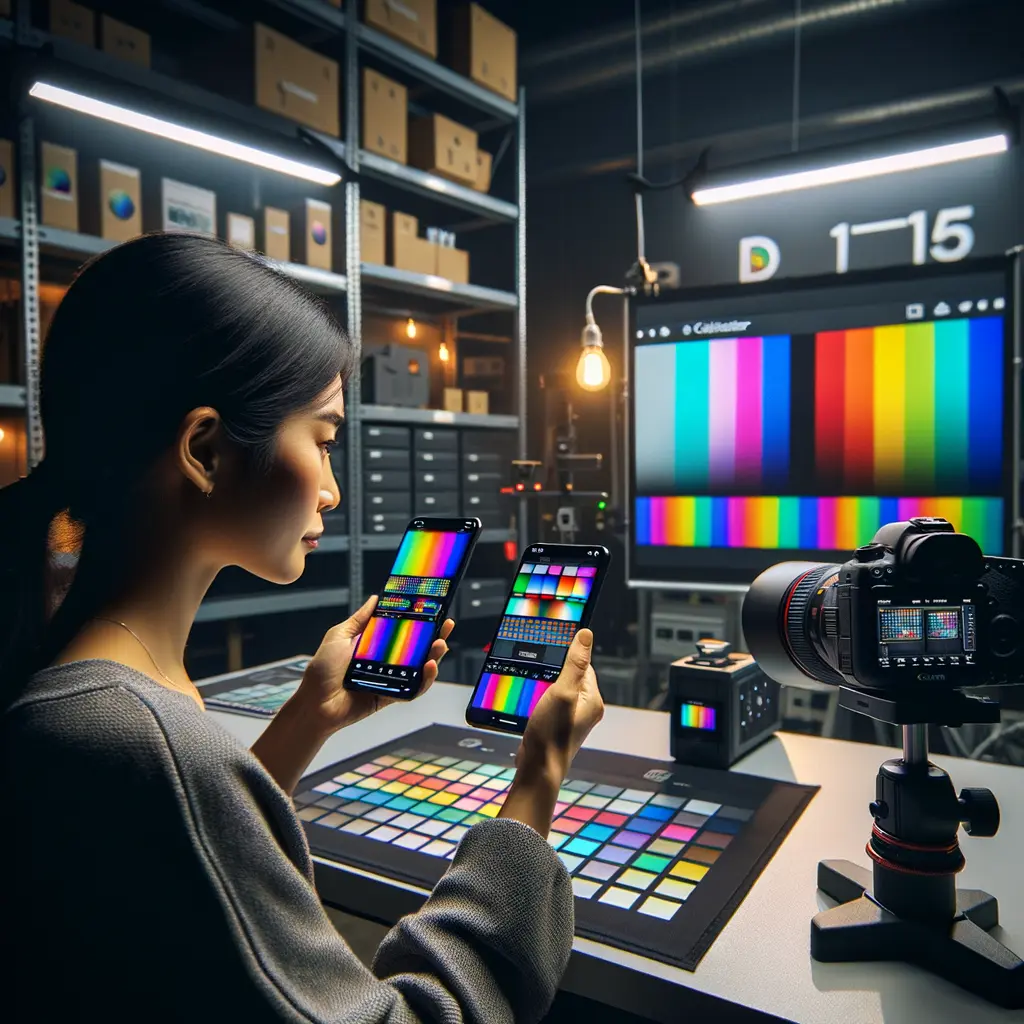
Color depth sounds like a spec-sheet footnote until banding creeps into your sunset photo or HDR movie fades into posterization. An 8-bit panel such as the Galaxy S26 Ultra’s physically addresses 16.7 million shades; a true 10-bit OLED like the iPhone 17 Pro Max renders over a billion. Samsung tries to bridge the gap with Frame Rate Control—rapidly toggling adjacent colors so your eyes blend them. While FRC reduces banding, it introduces micro-flicker layered over the 480 Hz PWM already used for brightness. That compound flicker is the second pillar of the Galaxy S26 Ultra display problem. Test footage shot in 120 fps slow-motion reveals rolling lines that simply aren’t present on Apple’s 960 Hz native 10-bit panel. Gamers may also notice that Samsung’s color dithering can blur HUD elements during rapid camera pans, whereas Apple’s display stays tack-sharp. Several Android rivals—Honor Magic 8 Pro, OnePlus 15 and Xiaomi 17—ship true 10- or 12-bit panels at lower prices, proving that cost isn’t the barrier. If vibrant, artifact-free color is your priority, the S26 Ultra demands a hands-on demo before purchase. (Related read: our guide to calibrating Android displays for creative work.)
YouTube video embedded here for a visual breakdown of FRC artifacts.
Design, Performance and Everyday Usability Beyond the Screen
Display aside, the Galaxy S26 Ultra remains a hardware powerhouse. Samsung shaved the frame to 7.9 mm, switched from last year’s titanium to color-matched Armor Aluminum, and trimmed weight to 214 g—noticeably lighter than Apple’s stainless iPhone 17 Pro Max. Under the hood, Qualcomm’s Snapdragon 8 Elite Gen 5 for Galaxy delivers a 19 % CPU and 24 % GPU uptick, plus a 39 % NPU leap for on-device AI. Benchmarks place it neck-and-neck with Apple’s A19 Pro, and sustained gaming temps hover around 28–30 °C thanks to an enlarged vapor chamber.
Yet several design quirks temper the enthusiasm. The camera island now wobbles on flat desks, the S Pen must be inserted tip-first or it protrudes, and Chi 2 magnetic charging is still missing—forcing users to buy third-party magnetic cases, something Pixel and even mid-range Motorola owners now enjoy out of the box. Apple’s iPhone 17 Pro Max, by contrast, integrates MagSafe 2.0 for snap-on wallets and 35 W charging. Both phones boast IP68 durability and Corning’s latest Gorilla Glass Victus 4, but only Apple coats its panel with a second-gen nano-texture that reduces reflections in harsh light. Internal link: compare these builds to our teardown of the Galaxy Z Fold 7 for insights on Samsung’s evolving materials strategy.

Camera, Battery and Charging: Where Each Flagship Really Wins
Samsung’s camera story centers on a familiar 200 MP HP2 sensor now widened to f/1.4. In daylight the S26 Ultra pumps out punchy, Instagram-ready shots, but color and exposure can shift between lenses. Apple’s iPhone 17 Pro Max produces more uniform files across its 13 mm ultra-wide, 24 mm main and 120 mm tetraprism telephoto—even if peak zoom tops out at 48× versus Samsung’s headline-grabbing 100×. Low-light is Samsung’s strongest leap this year: the wider aperture and improved ISP capture cleaner neon street scenes with fewer lens flares than Apple, whose sapphire cover glass still reflects orb artifacts.
Battery life flips the script. Both flagships cling to 5,000 mAh cells, but Apple squeezes an extra 90 minutes of screen-on time through tighter hardware-software integration. Heavy users report 7–8 hours SOT on Samsung; Apple can crest 9-plus. Charging, however, is Samsung’s home turf: 60 W wired fills 0–50 % in 15 minutes and a full tank under 50 minutes. Apple’s 35 W MagSafe 2.0 takes 80 minutes. Wireless parity is closer—both peak at 20 W—but only Apple’s magnets lock pads firmly in place. Fast charging may sway commuters, while road-warriors who prefer single nightly top-ups will lean Apple. (Also read: our battery optimization checklist for One UI 8.5.)

Verdict: Should You Buy the Galaxy S26 Ultra or the iPhone 17 Pro Max?
After two weeks of side-by-side testing, the Galaxy S26 Ultra display problem remains the decisive factor. If you’re display-sensitive—prone to headaches from PWM or frustrated by off-axis haze—the iPhone 17 Pro Max offers the safer, sharper, and brighter panel with Dolby Vision in tow. Add MagSafe convenience and longer battery stamina, and Apple’s package feels more balanced.
Samsung still serves a clear niche. Creators who crave 100× space zoom, Horizon-Lock video stabilization and the precision of an S Pen will find no equal in Apple’s lineup. Power users obsessed with fast top-ups will love 60 W wired charging. And if on-device privacy is mission-critical—think lawyers, journalists or corporate auditors—the baked-in screen filter could be lifesaving, making the Galaxy S26 Ultra display problem a tolerable compromise.
For Galaxy S23 Ultra owners or earlier, the jump in chipset, charging and night photography is meaningful. S25 Ultra owners should hold off; One UI 8.5 will bring most software perks, while the panel could feel like a downgrade. Ultimately, visit a store, toggle privacy mode and trust your eyes. If text looks fuzzy or colors feel muted, move on. Otherwise, enjoy Samsung’s bold experiment.
Need more help? Check our in-depth guide to choosing the best Android flagship in 2026 and our roundup of third-party privacy screen protectors for any phone.